Commands

You can create commands inside your plugins for users to interact with.

Command Types

There are 3 different base command types you can use:

  • ClientCommandHandler - Commands that clients can run on their console, prefixed with a dot.

  • RemoteAdminCommandHandler - Commands that players with access to the RA can run.

  • GameConsoleCommandHandler - Commands that only the server can run on its console.

Individual commands

To create an individual command, you may follow the next example:

[CommandHandler(typeof(ClientCommandHandler))]
[CommandHandler(typeof(RemoteAdminCommandHandler))]
[CommandHandler(typeof(GameConsoleCommandHandler))]
public class TestCommand : ICommand
{
    public bool Execute(ArraySegment<string> arguments, ICommandSender sender, out string response)
    {
        response = "This was a test."; // You need to return a response
        return true; // Return true if the command was executed or false if not (missing permissions...).
    }

    public string Command { get; } = "Test"; // The command used in the console.
    public string[] Aliases { get; } = Array.Empty<string>(); // The desired aliases.
    public string Description { get; } = "Test command"; // A small description.
}

Parent Commands

You can group different Individual Commands inside a parent command, this will make the commands behave like this: .parent child being parent the parent command and child one of the child commands. You can have any amount of child commands you would like to have.

Child commands are normal commands, but with their CommandHandler attribute set to their parent's command type.

And like that you can easily create commands. Any commands in your module assembly will be registered automatically by LabAPI.

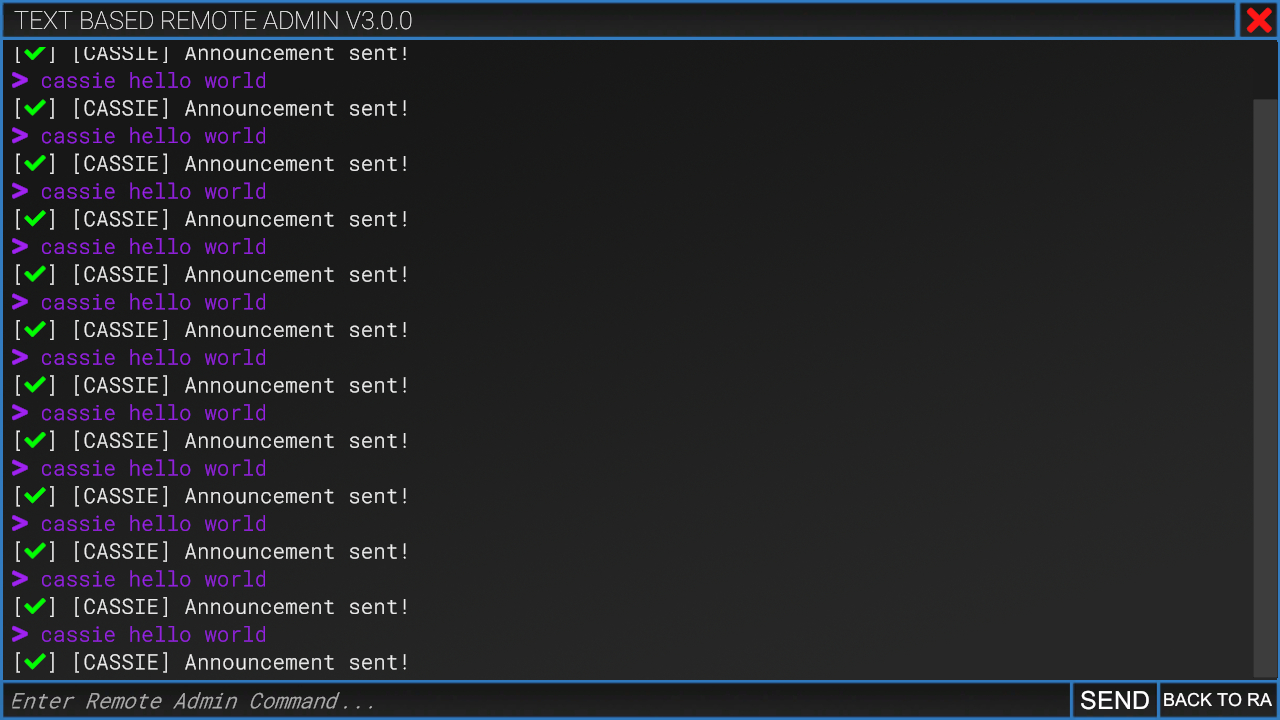
Example of a RemoteAdmin command.

Last updated

Was this helpful?